

GTA 6 / Missions / Chapter I, Just Like Paradise
GTA 6 Steal the Phoenix Walkthrough
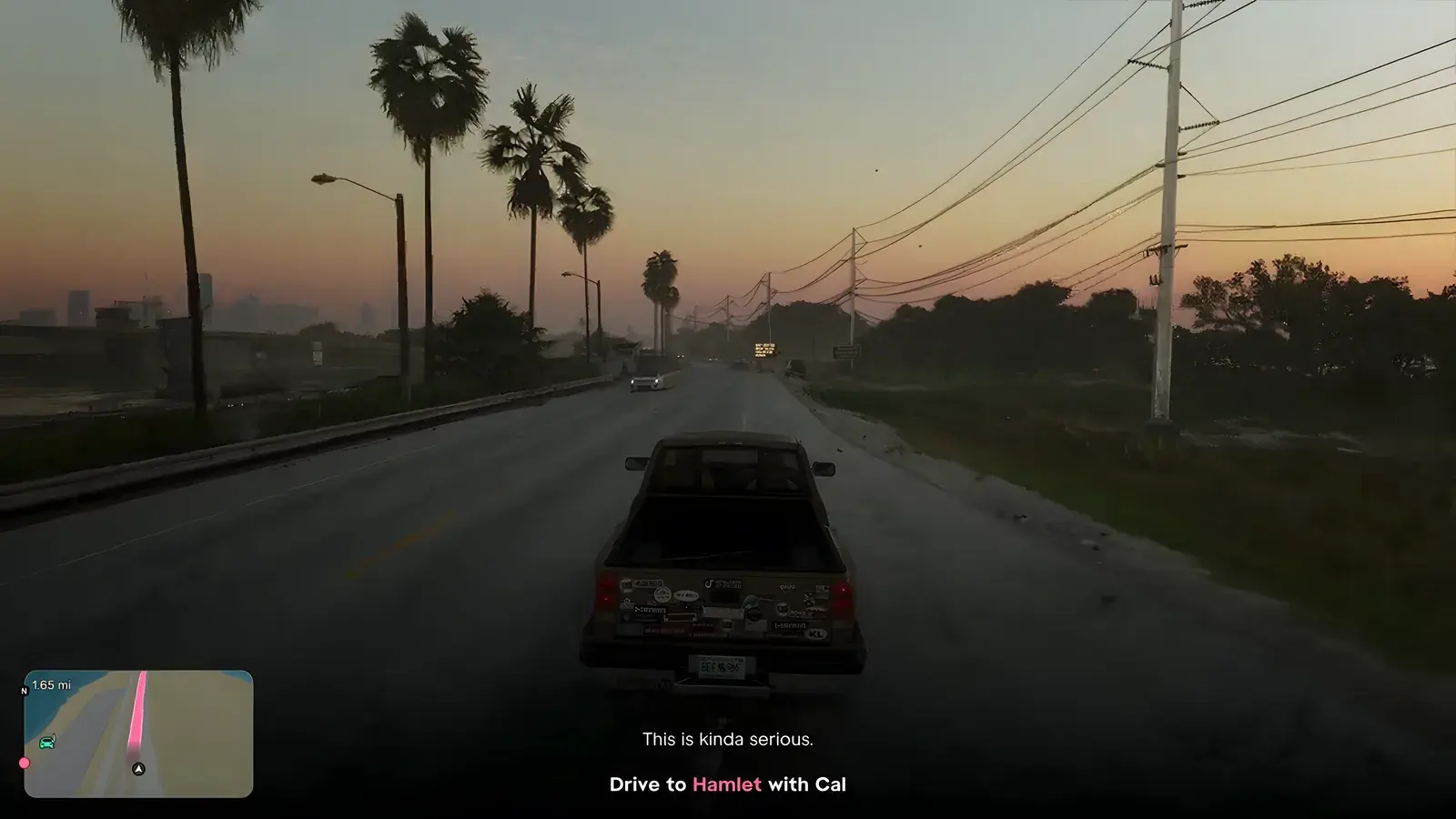
Search the impound for the Phoenix. Drive to Hamlet with Cal.
- Chapter
- I, Just Like Paradise
- You play
- Jason
- Where
- Hamlet impound, Penny Bun Street
- Objective
- Steal the red Imponte '77 Phoenix and lose the cops
- Before
- Search the impound for the Phoenix
- Next mission
- Unwanted Attention
- Steps
- 10 steps ↓
Walkthrough
How to Complete Steal the Phoenix in GTA 6
10 steps, in the order the mission plays them. You play Jason. Button prompts are the PlayStation ones the game shows.
Step 3 of 10
Let Cal set up the cop scanner
In a cutscene in the truck, Cal sets up a cop scanner on the phone: "Now you'll be able to see when and where the cops are being dispatched." Cal stays in the truck and Jason goes on foot.
Step 4 of 10
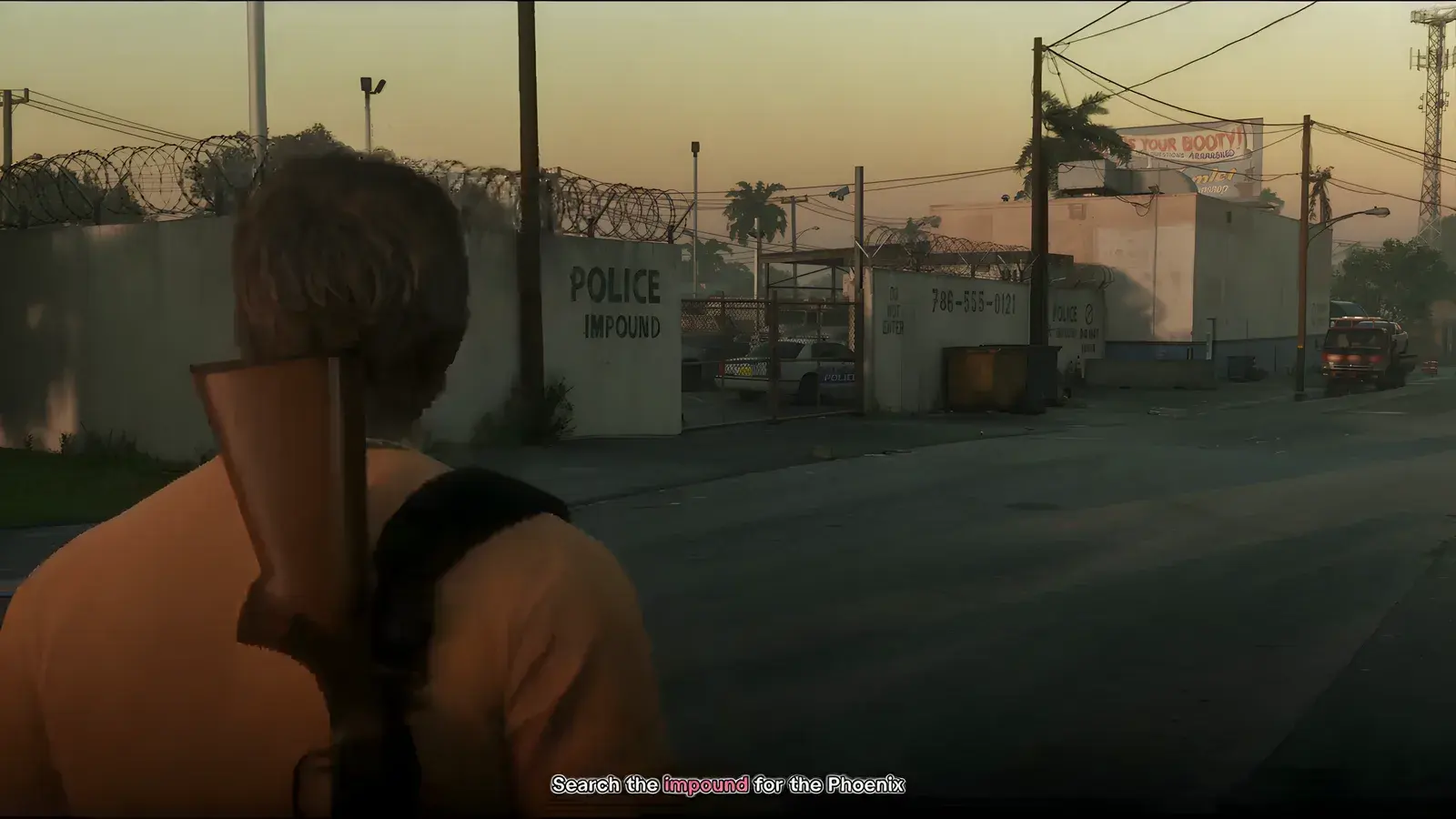
Search the impound for the Phoenix
A Cop Scanner installed notification appears under Settings. The phone's Plugin app lets you listen to the cop radio and get dispatch-area alerts. Walk along the wall marked POLICE IMPOUND.
Step 5 of 10
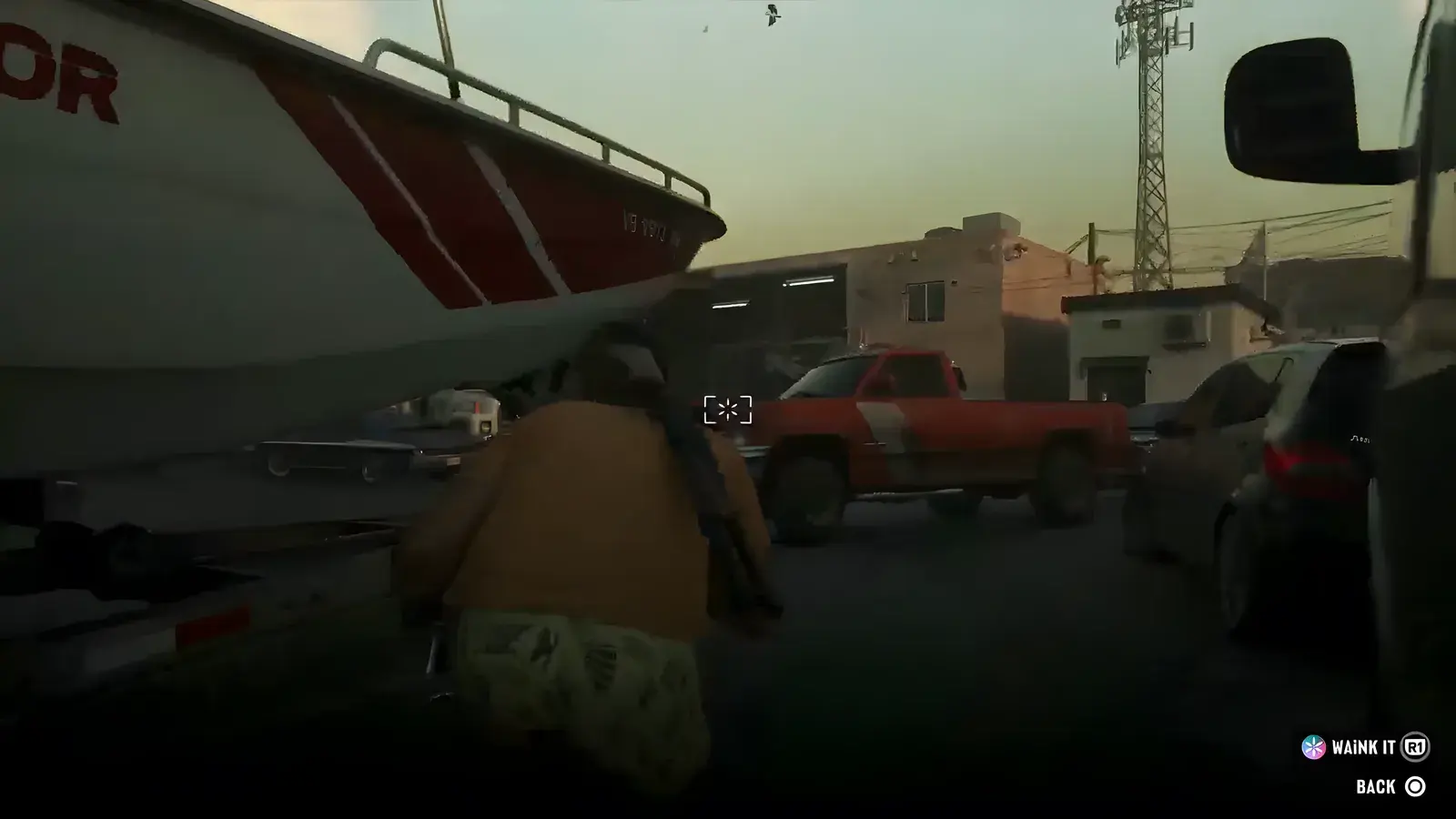
Break in and sneak past the police cars
Break open the chain-link gate with the Break open prompt. A tip reads: "Move quietly and stay out of sight to avoid detection." Crouch past the parked police cars and climb a container. You can pick up and carry items (the prompts read Drop, Throw and Bottle) to stay quiet.
Step 6 of 10
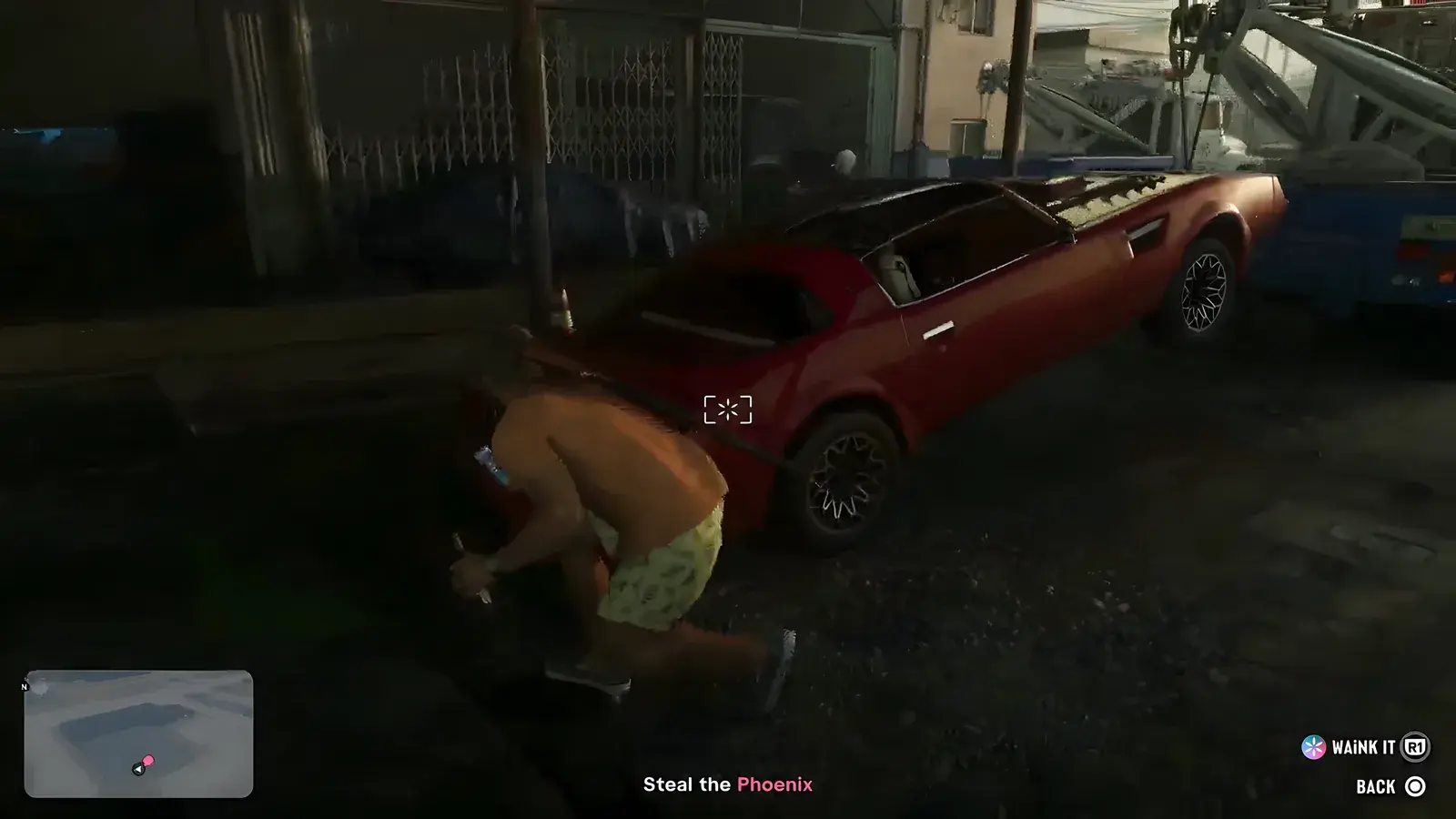
Scan the vehicles with WAINK
Open the phone (Reminders, then the WAINK app). The prompt reads: "Hold to open WAINK on your phone to check a vehicle's specs and info." Each scanned vehicle shows its model, Access (locked or unlocked), Security (none or alarmed) and Tracker. A Bravado '95 Bison 900 showed as locked with no security.
Step 7 of 10
Find the Phoenix
The objective changes to Steal the Phoenix. A caption reads "There it is." The red car is on the back of a tow truck.
Step 8 of 10
Hotwire the car
A hotwire minigame starts, with the car shown as IMPONTE '77 PHOENIX. The prompt reads: "Sling together and at the right spots to fill the semi-circles and hotwire the vehicle."
Step 9 of 10
Drive out through the impound
Drive the Phoenix out through the impound. A tip reads: "Gates can be opened quickly by shooting the button controls."
Step 10 of 10
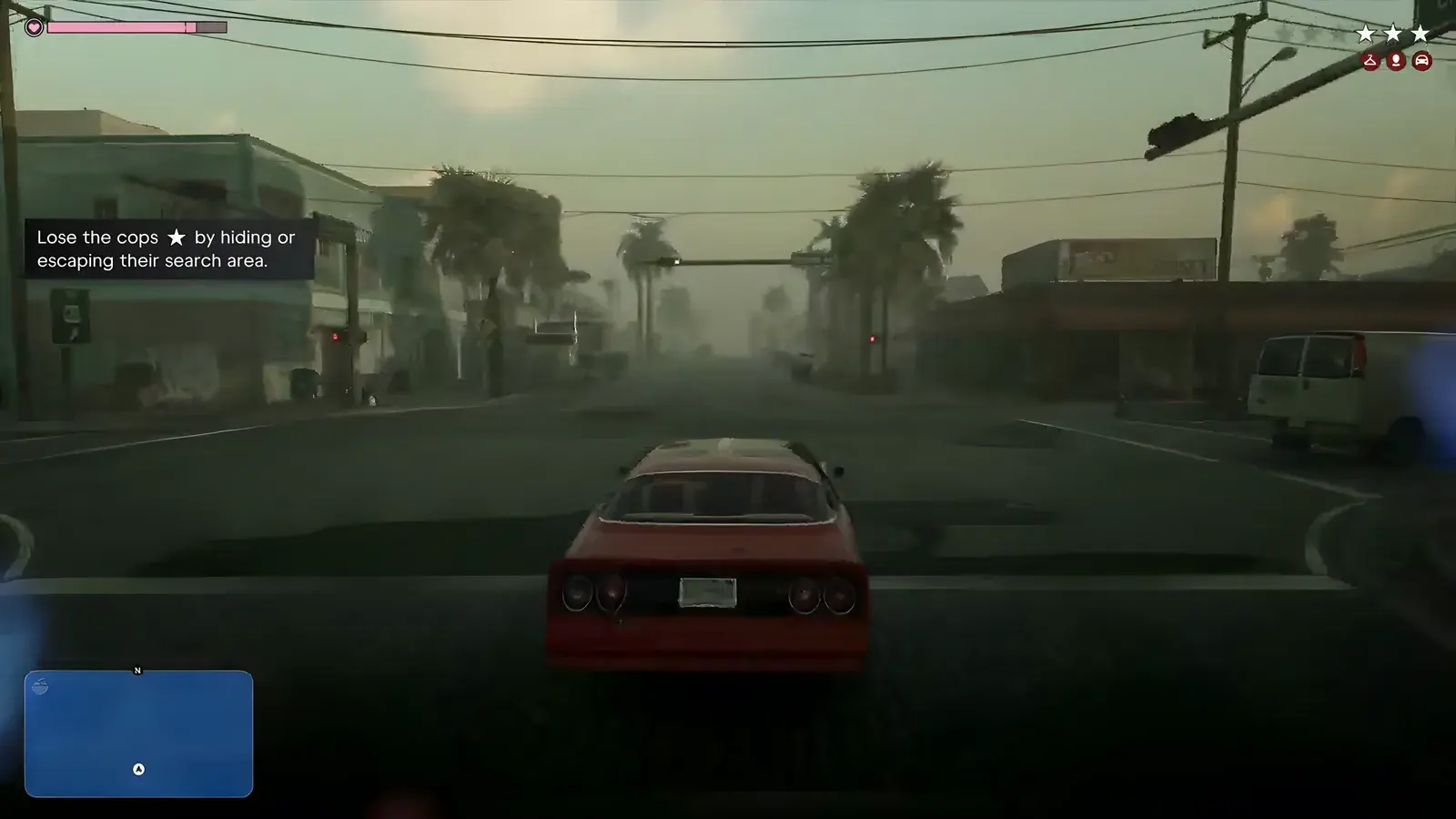
Lose the cops
The last objective is Lose the cops. A Crime reported message appears, a police car chases you and stars show on the HUD. A tip reads: "Lose the cops by hiding or escaping their search area."
Tips
Steal the Phoenix tips
- Move quietly and stay out of sight to avoid detection.
- Scan the vehicles with WAINK before touching one: it shows whether a car is locked and whether it is alarmed.
- Being spotted in the impound raises your wanted level.
- Gates can be opened quickly by shooting the button controls.
- Lose the cops by hiding or escaping their search area.
Still to confirm
Not seen yet
- Whether the Mission Passed screen shows a reward
- What the end screen looks like and what happens to the Phoenix after you lose the cops
- How the mission hands over to Unwanted Attention
Questions & answers
GTA 6 Steal the Phoenix: FAQ
How do you complete Steal the Phoenix in GTA 6?
Drive Cal to Hamlet, then go into the police impound on foot while he stays in the truck. Scan the cars with WAINK, find the red Imponte Phoenix on a tow truck, hotwire it and drive out, then lose the cops.
Who gives Steal the Phoenix?
Cal, for Brian. Cal explains that the weed in the Phoenix belongs to Brian and that Lucia is jailed in Hamlet.
How do you stay unseen in the impound?
The game tip reads "Move quietly and stay out of sight to avoid detection." Crouch past the parked police cars, and use the WAINK scan to spot alarmed vehicles.
What does the cop scanner do?
Cal sets it up on the phone so you can see when and where the cops are being dispatched. The Plugin app lets you listen to the cop radio and get dispatch-area alerts.
Does Steal the Phoenix pay anything?
No reward was shown.
Sources
Every step was seen in these launch streams; screenshots are frames from them (game footage © Rockstar Games).
- GTA 6 launch livestream (YouTube), November 18, 2026